











This page explains how to access a Champion Bet account, create a new one, and recover access if something goes wrong. It is intended for players in the Republic of the Congo who need clear instructions before signing in or completing registration. You will find the usual login steps, information to prepare for registration, practical security advice, and common solutions for password or verification problems.
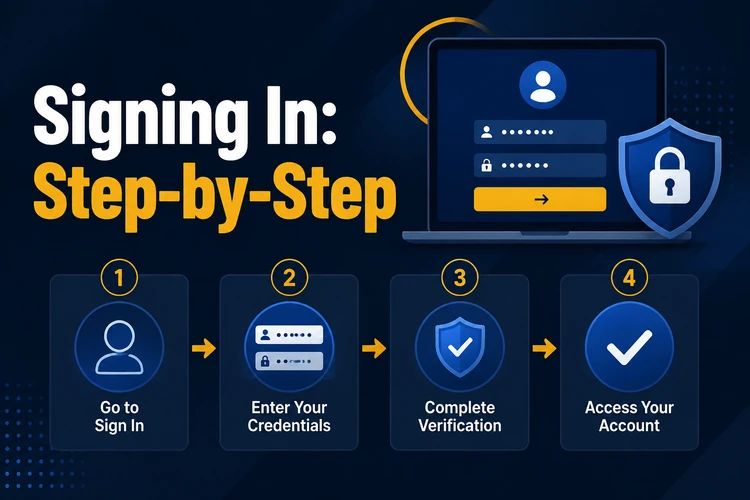
Signing In: Step-by-Step
The login form is available from the main site. Select the sign-in option and enter the email address or other identifier registered to your account, together with your password. Check the browser address bar before entering personal details, especially when following a link from an email or message.
Use a private device where possible. On a shared or public device, do not save the password in the browser and sign out when finished. A password manager can reduce typing errors without exposing credentials to other users of the device.
- Open the official site in your browser.
- Select the sign-in button at the top of the page.
- Enter your registered details and password carefully.
- Complete any verification step requested on screen.
- Sign out after using a device that is not yours.
Why You Need an Account
Registration creates a personal profile for managing activity on the platform. Once an account is active, you can view account history and use the payment or betting features made available to you. Keeping activity under one account also helps you monitor your own spending and account settings.
Accurate registration details matter if identity or contact verification is requested later. They can also help support locate the correct profile when you need help with access. Do not create duplicate accounts to solve a login problem; use recovery options first.
How to Register with Champion Bet
Before you begin, have access to the email address and phone number you plan to use. Complete the form slowly and review every field. A spelling error in contact details can prevent you from receiving a confirmation or password-reset message.
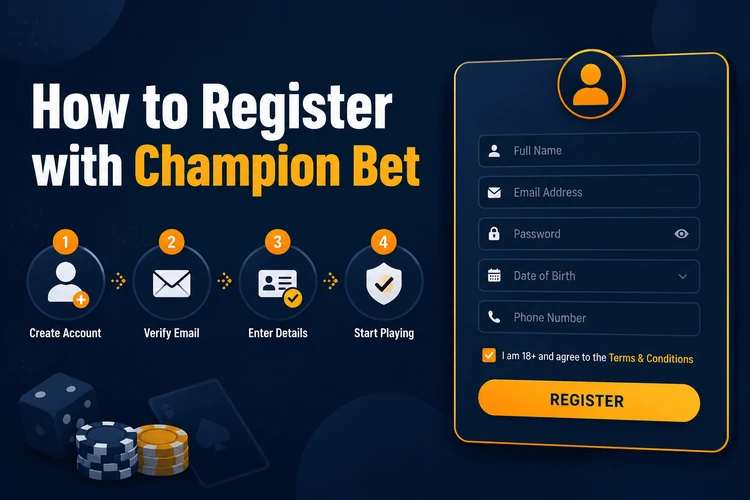
Requirements can vary by the form shown to you, but personal details and contact information are commonly requested. Use information that matches your identification documents. Read the terms and any age or location notices before submitting the form.
- Step 1: Visit the official website.
- Step 2: Open the create-account or registration form.
- Step 3: Enter your details exactly as requested.
- Step 4: Create a unique password that you do not use elsewhere.
- Step 5: Follow any account verification instructions displayed.
- Step 6: Return to the sign-in form and use your new credentials.
Registration Best Practices
Use your real name and correct date of birth. If verification is needed, differences between the form and your documents may delay the process. Review your email address and phone number character by character before submitting; these details are particularly difficult to correct if you cannot access them later.
Choose a long, unique password rather than a predictable combination of a name and birth year. Store it in a trusted password manager, not in a note on a shared phone. Keep your contact details current, and consult the privacy policy if you want to understand how personal information is handled.
Login Troubleshooting
Most access issues have a simple cause. Passwords are case-sensitive, so check Caps Lock and make sure browser autofill has not inserted details for another account. If the page does not load correctly, refresh it, clear browser cookies, or try an updated browser before entering details again.
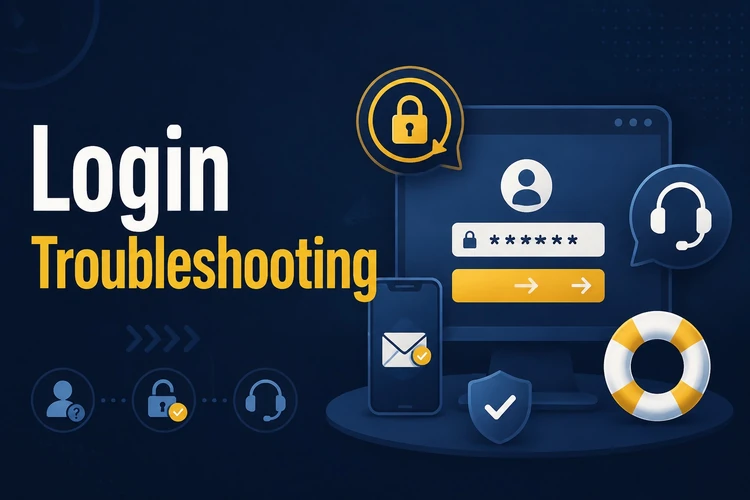
If you have forgotten your password, select the on-screen "Forgot password?" option and follow the reset instructions sent to your registered contact method. Avoid repeated guesses, as they may trigger a temporary security restriction. For an unresolved verification or access issue, use the contact page to reach support.
- Check that the email address belongs to the account you are trying to access.
- Look in spam or junk folders for verification and reset messages.
- Wait before trying again if a temporary restriction is displayed.
- Describe the error message clearly when contacting support, without sending your password.
Security Recommendations
A strong password uses several character types and is not reused on other services. Never share it with another person or send it in a message. Treat unexpected emails asking for login details with caution; open the site directly instead of using an unfamiliar link.
Protect your phone with a screen lock and install updates when available. If your email address or phone number changes, update it in your account settings as soon as possible so recovery messages can still reach you. Guidance on setting personal limits is available on the responsible gambling page.
FAQ
Open the registration form, enter accurate personal and contact details, create a secure password, and follow any confirmation instructions shown on screen or sent to your registered contact method.
Check the terms shown during registration for the current conditions. Creating a profile generally does not require you to place a bet or make a deposit.
You can use a mobile browser to access the site. Keep your device locked and avoid saving credentials on a shared phone.
Use the "Forgot password?" option on the login form. Follow the reset instructions sent to your registered email address or other available contact method.
Check your password, registered email address, and any verification messages first. If the issue continues after using the recovery process, contact support through the contact page.
The form commonly asks for personal details, contact information, and a password. Provide accurate information and follow the fields and instructions displayed on the registration page.